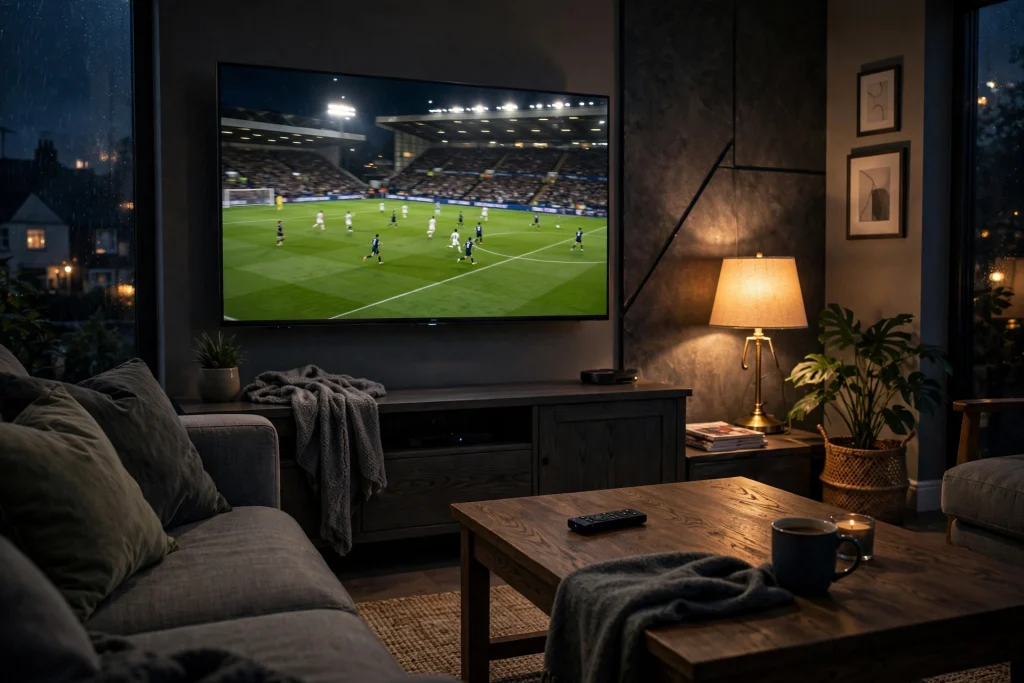
Your Sky bill just went up again. £80 a month, and half the channels you never watch. Your mate pays £19 and watches everything, including the match you missed last Saturday. So what exactly is he paying for, and why does it cost so little?
Want the short version? Here is our iptv subscription uk page with every plan and price.
What An IPTV Subscription Actually Is
An IPTV subscription is a paid login that gives you live TV over your broadband. No dish on the wall. No engineer visit. No contract. You pay, you get your login details by WhatsApp or email, you type them into an app, and you are watching in ten minutes.
Think of it like Netflix, but for live TV. Your channels come through the same broadband you already pay for. You open the app, pick Sky Sports, and watch the match.
That is the whole idea. Everything after this is about quality, and quality is where providers split into two groups: the ones worth your money, and the ones who vanish with it.
What Your Money Should Actually Buy
Forget the sales page. Here is the test that matters.
The channels you watch, working. BBC One, ITV, Sky Sports, TNT Sports, Sky Cinema, Channel 4. Not 50,000 dead links. Five channels that work beat fifty thousand that do not, and any provider bragging about a giant number is selling you a number, not TV.
A TV guide that loads. Open it on a Saturday morning. Does it show tonight and tomorrow? Can you set a reminder for Match of the Day? A broken guide means a broken service. Full stop.
Sports that survive kickoff. Anyone can stream at 3am. The test is Saturday at 3pm, when thousands of people watch at once. Cheap providers oversell their servers and die at the exact moment you need them. This is the single biggest difference between a £2 seller and a real provider.
Picture quality that is honest. 4K on a decent connection should look sharp. If a provider claims 4K but serves you blurry pictures, you are paying for a lie.
Support that answers on a Saturday. Not a bot. Not a ticket that gets answered on Tuesday. A human who replies when your stream stops at 2:55pm. This is the part cheap providers skip, and it is the part you will need most.
What An IPTV Subscription UK Should Cost
Fair prices are simple. A UK IPTV subscription you can trust costs between £5 and £19 a month, depending on plan length. Longer plans cost less per month because the provider would rather keep you for a year than chase you every month.
Our own pricing follows the same honest pattern. Four plans, same channels on every one: 1 month at £18.99, 3 months at £29.99, 6 months at £42.99, and 12 months at £59.99. No setup fees. No premium tier hiding the good channels. No contract.
Do the maths. One year with us is £59.99. One year of Sky at £80 a month is £960. That is £900 back in your pocket, and you still watch the match.
Be very wary of anything under £3 a month. Running thousands of channels costs real money for servers and bandwidth. Anyone selling the lot for £2 a month is lying about what you get, or will vanish within weeks. Usually both.
The 3 Rules Before You Pay A Penny
Rule 1: Never pay before you try. A provider that will not let you test has something to hide. Take an iptv uk free trial with no card required, and test it during a live match, not at 3am. If it freezes at kickoff, you just saved your money.
Rule 2: Check for a real business. A proper website, clear prices, contact details you can use. If the whole operation lives inside a Telegram channel, your money has no protection. None.
Rule 3: Read the refund terms. A real business tells you what happens if you are unhappy. A 7 day money back guarantee on every plan shows confidence. No refund policy means no refund. It really is that simple.
Why IPTV Subscriptions Beat Cable
Cable locks you into a contract, charges you for channels you never watch, and raises the price every year. Then it charges you to leave.
IPTV subscriptions work the other way. No contract. No engineer. No dish. You pick a plan, watch on the devices you already own, and stop whenever you want. Your money, your terms.
Frequently Asked Questions
What is an IPTV subscription UK?
An IPTV subscription UK is a paid plan that gives UK viewers live TV channels and on demand content over the internet. You get login details and watch through an app on your Firestick, Smart TV or phone. IPTV Smarters Pro offers plans from £18.99 with no contract.
How much does an IPTV subscription cost in the UK?
A fair price is roughly £5 to £19 a month depending on plan length. IPTV Smarters Pro charges £18.99 for one month, £29.99 for three months, £42.99 for six months and £59.99 for twelve months, with the same channels on every plan.
What do I get with an IPTV with subscription plan?
You get live channels, sports, movies, news and kids content, a working TV guide, on demand shows and support. With IPTV Smarters Pro you get 85,000 plus channels, 4K quality and apps for all your devices.
Do IPTV subscriptions UK have contracts?
Proper ones do not. IPTV Smarters Pro has no contracts and no automatic renewals. When your plan ends, you simply choose whether to continue.
Can I try an IPTV subscription before I buy?
Yes, and you should. IPTV Smarters Pro gives you a free 24 hour trial with no card required. Test the channels you watch, try a live match, and only pay if you are happy.