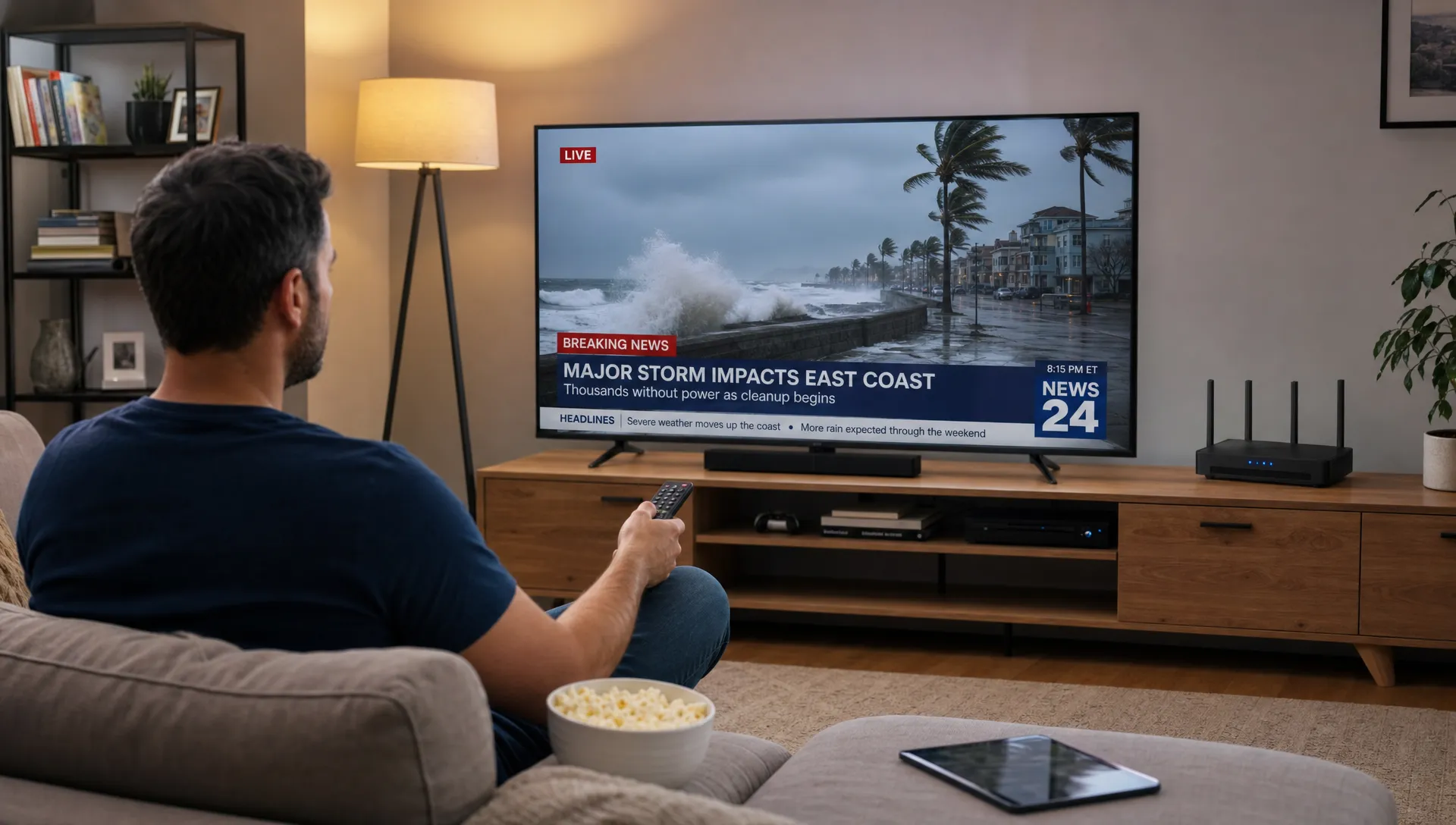
Live TV no longer has to arrive through a coaxial cable, a rooftop antenna or a satellite dish. With internet protocol television, the channel you watch at home is converted into data, moved across broadband networks and rebuilt by an app or streaming device in real time.
That sounds technical, but the viewing experience is familiar: you open an app, choose a channel, watch the game, news or movie channel live and switch to another stream when you want. The difference is what happens behind the scenes. Instead of broadcasting the same signal to every home in an area, IPTV uses internet delivery methods to send the stream to the device that requested it.
This guide focuses on that delivery path, from the live feed to your television, and what affects picture quality, buffering, latency and setup at home.
How internet protocol television turns live channels into streams
At its core, internet protocol television delivers TV using the same basic networking language that powers websites, video calls and streaming apps: Internet Protocol, often shortened to IP. A live channel is captured, compressed, packaged, distributed through servers and delivered to your home over your internet connection.
A simple IPTV delivery chain looks like this:
| Stage | What happens | Why it matters at home |
|---|---|---|
| Live source | A broadcaster, studio or event feed provides the original video signal | The original feed quality sets the ceiling for the final picture |
| Encoding | The video is compressed into streamable formats | Compression makes live TV practical over home broadband |
| Packaging | The stream is split into small chunks or segments | Smaller segments help apps load, buffer and adapt |
| Distribution | Servers or content delivery networks move the stream closer to viewers | Better distribution usually means fewer delays and dropouts |
| Home network | Your router sends the stream to a TV, phone, tablet or box | Wi-Fi strength and device performance affect the final experience |
| Playback app | The app decodes the stream and displays it as live TV | The app must support the format, playlist or portal used by the provider |
If you want a broader introduction to the technology and service categories, our guide to what IPTV is and how it works explains live TV, video on demand and time-shifted TV in more detail.
What happens before the stream reaches your home
The live IPTV experience starts before you press play. A channel feed first needs to be prepared for internet delivery. That usually means encoding the raw video into a compressed format, such as H.264 or H.265, so it can travel efficiently without requiring a massive connection.
For a single channel, a provider may create several versions at different quality levels. One version may be optimized for slower connections, another for HD and another for 4K where available. This process is often called transcoding when the same source feed is converted into multiple profiles.
The stream is then packaged for playback. In many modern video systems, live TV is divided into short segments. Your player downloads these segments continuously, keeps a small buffer ahead of the current moment and displays them in order. That buffer is the reason live IPTV is usually a few seconds behind the original broadcast. A small delay is normal because the system needs time to encode, package, distribute and buffer the stream.
This preparation phase is also where reliability begins. If the encoding is unstable, the source feed is poor or the distribution servers are overloaded, viewers may see freezing, audio sync issues or sudden quality drops even when their home internet is strong.
How live IPTV travels across the internet
Traditional broadcast television sends the same signal outward, whether anyone is watching a specific channel or not. IPTV is more request based. When you select a channel, your device asks for that stream and the server responds by sending the video data to you.
There are two common delivery models:
| Delivery model | Common use | How it works |
|---|---|---|
| Multicast IPTV | Managed ISP television networks | One stream is shared efficiently across the provider network to many viewers |
| Unicast streaming | App based IPTV over regular broadband | Each viewer receives an individual stream when they request it |
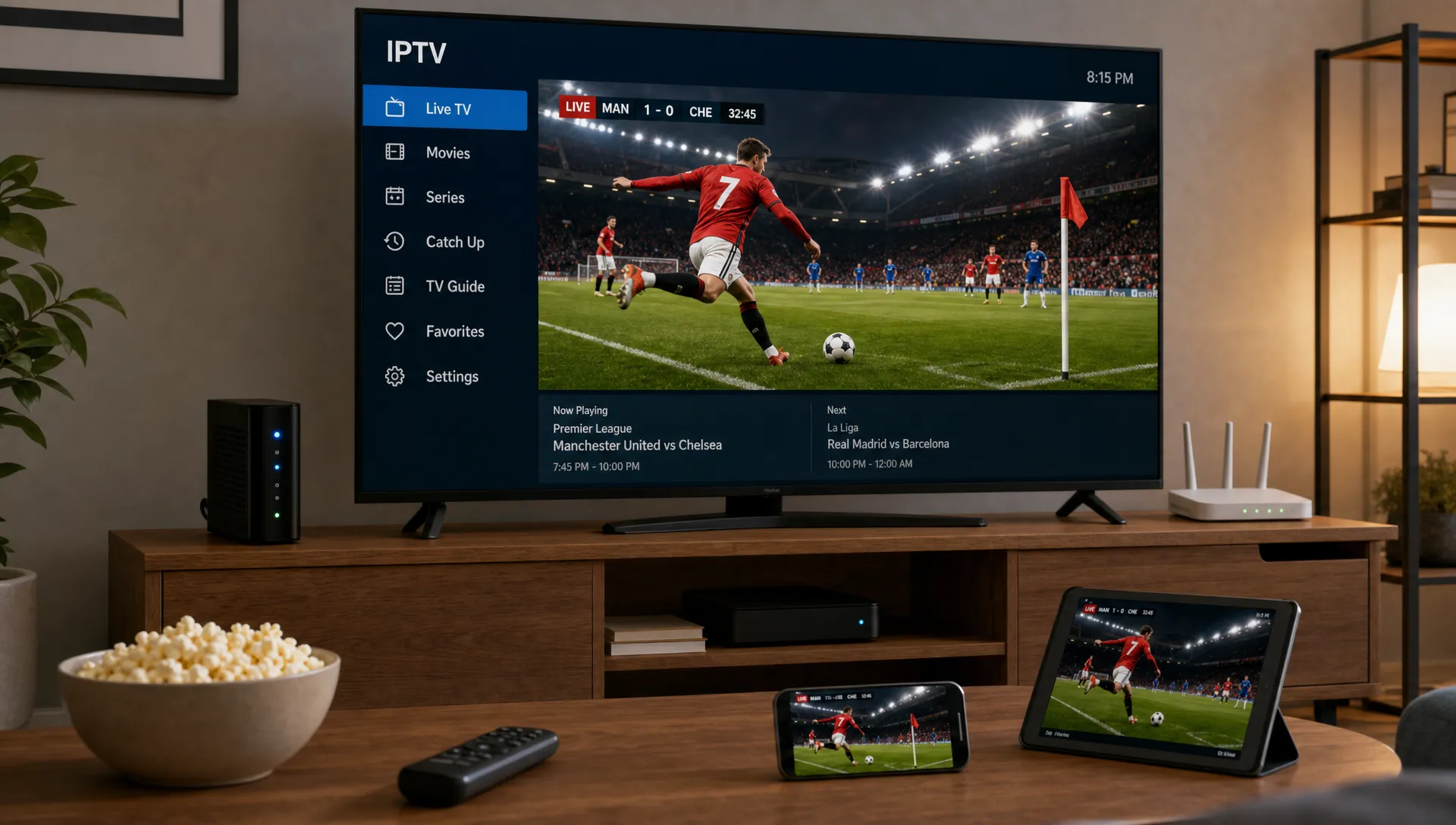
Most IPTV subscriptions used through apps at home work more like unicast streaming. Your TV, Fire TV device, Android box, smartphone, tablet or computer requests a channel and receives that stream over your broadband connection.
This is why two homes using the same IPTV service can have different experiences. One household may have strong fiber internet, a wired connection and a fast streaming device. Another may have weak Wi-Fi in the bedroom, multiple people gaming or downloading at the same time and an older device that struggles to decode high quality video. The service matters, but the home setup matters too.
The role of your home network
Once the stream reaches your modem or router, the final delivery step happens inside your house. This part is often overlooked, yet it is one of the most common reasons live TV buffers.
A wired Ethernet connection is usually the most stable option for a living room TV or streaming box. Wi-Fi can work very well, especially with modern routers, but distance, walls, interference and crowded networks can reduce speed and stability. Live sports and PPV events are less forgiving than casual browsing because the stream has to keep arriving on time.
Your device also plays a role. A modern TV app, Android TV box, Fire TV device, phone or tablet needs enough processing power to decode the video smoothly. 4K and high frame rate sports demand more from the device than standard HD. If an older device overheats, runs out of memory or uses outdated software, the stream may stutter even when the internet connection is fine.
IPTV subscriptions are usually accessed through login credentials, an M3U playlist or a portal URL depending on the provider and the app. If you are choosing a service for the first time, our step-by-step guide on how to get IPTV covers the practical requirements before you start.
Why IPTV quality changes during playback
One reason internet protocol television can work across many homes and devices is adaptive streaming. Instead of sending only one fixed quality level, the system may offer several versions of the same live feed. The player can move between them when network conditions change.
If your connection is strong, the app may select a higher bitrate stream for sharper detail. If someone else in the home starts a large download or the Wi-Fi signal weakens, the player may switch to a lower bitrate to avoid stopping altogether. You may notice the picture soften for a moment, then sharpen again when the connection improves.
As a general benchmark, Netflix recommends at least 5 Mbps for Full HD and 15 Mbps for Ultra HD streaming. Live IPTV needs vary by provider, compression format, channel quality and the number of simultaneous streams, so it is smart to keep more bandwidth available than the bare minimum.
| Viewing goal | Practical connection target per stream | Notes |
|---|---|---|
| SD live TV | 3 to 5 Mbps | Suitable for smaller screens and slower connections |
| HD live TV | 8 to 12 Mbps | A good baseline for stable everyday viewing |
| Full HD sports | 12 to 20 Mbps | Extra headroom helps with fast motion and busy home networks |
| 4K channels | 25 Mbps or more | Best with strong Wi-Fi or Ethernet and a capable device |
The total household connection matters more than a single speed test result. If three people stream at once, a console is downloading updates and smart cameras are uploading video, available bandwidth can drop quickly. The FCC household broadband guide recommends considering all connected activities in the home when choosing internet speed.
What makes live IPTV feel different from cable or satellite
For viewers, IPTV can feel very similar to traditional TV because the goal is the same: pick a channel and watch it live. The delivery system creates some practical differences, especially in flexibility, setup and reliability.
| Feature | Cable or satellite TV | Internet protocol television |
|---|---|---|
| Delivery path | Coaxial cable, fiber TV network or satellite dish | Broadband internet connection |
| Device flexibility | Often tied to a receiver or set-top box | Can work across compatible TVs, phones, tablets, boxes and computers |
| Channel access | Usually limited to the provider package and region | Depends on the IPTV subscription and app compatibility |
| Installation | May require technician visits or hardware rental | Often activated with app setup and provider credentials |
| Quality risks | Weather, line issues or local infrastructure | Internet speed, server quality, Wi-Fi and device performance |
| Latency | Usually low for broadcast TV | Often a few seconds behind due to encoding and buffering |
That small delay is usually not a problem for movies, news or most live channels. Sports fans may notice it if they follow social media alerts or group chats during a match. The tradeoff is flexibility: IPTV can bring live TV, sports, PPV events, movies and TV shows to a wide range of devices without traditional installation.
The key components you need at home
A reliable IPTV setup does not need to be complicated. Most homes already have the essentials, but quality depends on how well each part works together.
You typically need:
- A stable broadband connection with enough speed for your preferred quality
- A compatible device, such as a smart TV, streaming stick, Android box, phone, tablet or computer
- An IPTV app or player that supports your subscription details
- Active IPTV subscription credentials from a provider
- A router that can handle your household traffic without constant drops
If you plan to watch live sports in 4K or use multiple screens at once, prioritize connection stability. A fast plan with poor Wi-Fi placement can still perform badly. Place the router in an open area, reduce interference where possible and use Ethernet for your main TV if buffering is frequent.
For hands-on installation details, the IPTV setup guide walks through common setup steps for getting an app ready on a compatible device.
Why provider infrastructure matters
Your home setup is only half the equation. IPTV delivery also depends on the provider’s servers, content organization, uptime and support. A strong provider invests in stable streaming infrastructure, clear activation steps and responsive help when something goes wrong.
Good infrastructure is especially important during high demand events. A regular movie channel may stream smoothly on an average night, but a major football match or PPV event can create sudden traffic spikes. If the provider cannot handle the demand, viewers may see buffering even with good broadband.
Support also matters because IPTV setup varies by device. A customer using a smart TV app may need different help than someone using an Android box or mobile device. Clear instructions and fast support can turn a frustrating setup into a simple one.
The Iptv Smarters Pro subscription offering focuses on broad device compatibility, instant activation, 24/7 WhatsApp support, a free 24-hour trial, secure payment and a 7-day money-back guarantee. Those details are useful because the best way to judge IPTV at home is to test it on your own connection and device.
Common reasons IPTV buffers at home
Buffering is not always caused by the IPTV service itself. Live TV delivery has several moving parts, so troubleshooting works best when you isolate each one.
Common causes include:
- Weak Wi-Fi signal between the router and the viewing device
- Too many devices using the connection at the same time
- Internet speed dropping during peak evening hours
- An older streaming device struggling with HD or 4K decoding
- App cache issues, outdated software or incorrect login details
- Provider server congestion during popular live events
Start with the simplest checks. Restart the router and device, test another channel, move closer to the router or try Ethernet. If only one channel buffers, the issue may be the channel feed. If every channel buffers and other apps are slow too, the problem is more likely your home network or ISP connection.
Security and legal access considerations
Because IPTV uses internet delivery, choosing a trustworthy subscription source matters. Look for secure payment, clear support channels and transparent trial or refund policies. Avoid unknown sellers that make unrealistic claims, offer no support or pressure you into paying through unsafe methods.
A VPN is sometimes used by viewers for privacy or to reduce ISP routing issues, but it is not a cure for every buffering problem. A poor VPN server can make speeds worse. If you use one, choose a reputable provider and test performance with and without it.
Also make sure you follow the laws and terms that apply in your location. IPTV is a delivery technology, and like any TV service, the legitimacy of the experience depends on content rights, provider practices and how the service is used.
Frequently Asked Questions
Is internet protocol television the same as streaming? IPTV is a type of streaming, but it is focused on television delivery. It can include live channels, movies, TV shows and time-shifted viewing depending on the provider and app.
Does IPTV require a satellite dish or cable box? No. IPTV uses your internet connection. You need broadband, a compatible device, an IPTV app or player and active subscription details from your provider.
Why is IPTV sometimes delayed compared with cable TV? Live IPTV needs time for encoding, packaging, internet delivery and buffering. This often adds a short delay compared with traditional broadcast signals.
Can I watch IPTV on more than one device? It depends on your subscription terms and provider. Many IPTV services support multiple device types, but simultaneous streaming limits can vary, so check before you buy.
What internet speed is best for IPTV at home? HD viewing is usually more stable with at least 8 to 12 Mbps per stream, while 4K is best with 25 Mbps or more per stream. Add extra bandwidth if several people use the internet at once.
Test live IPTV on your own home setup
Internet protocol television delivers live TV by turning channels into data streams, sending them through internet infrastructure and playing them through an app on your chosen device. When the provider, connection, router and device all work well together, IPTV can be a flexible way to watch live channels, sports, PPV events, movies and box sets at home.
If you want to see how IPTV performs on your own network, The Iptv Smarters Pro offers instant activation, a free 24-hour trial, 85,000+ live channels, 4K, HD and FHD streaming, WhatsApp support and a 7-day money-back guarantee.